

How to Set Up Apple CarPlay® in Your Mercedes-Benz
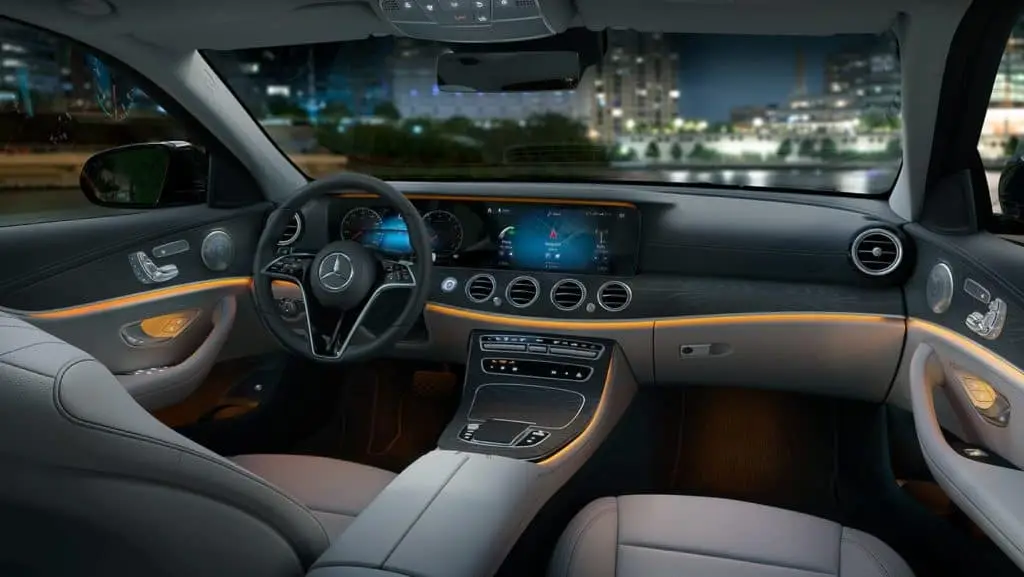
Are you wondering how to set up Apple CarPlay® in your new Mercedes-Benz car or SUV? Mercedes-Benz of Los Angeles is here to help.
Thanks to Apple CarPlay, it’s easy to stay connected to your preferred entertainment media, because every ride should deliver on maximum comfort and connectivity. Here are the simple steps you’ll want to take to get it working in your vehicle today.
Step One
Use a USB cord to connect your smartphone to the Mercedes-Benz system. Plug the cord into the USB port that has the smartphone integration symbol, which looks like a smartphone in front of a large rectangle.
Step Two
Select “Start Automatically”, which will allow your primary smartphone to connect every time you get into the car after setup. If you don’t want to save the phone to the system, the “Start Manually” option will prevent the phone from automatically connecting in the future.
Step Three
Begin using the Apple CarPlay functions. You can rotate between the many apps and functions of Apple CarPlay in three different ways. Use the command controller on the center console to scroll between apps, the hard keys below the digital infotainment system, or through the hands-free Siri voice operated control system.
Using Apple CarPlay, you can send text messages, call contacts, listen to your favorite music, books, or podcasts, set a destination for navigation, and a whole lot more.
Learn More at Mercedes-Benz of LA
Apple CarPlay is just one of the luxury features you’ll find in the new Mercedes-Benz models here at Mercedes-Benz of Los Angeles. Check out connectivity, comfort, and a whole lot more with a test drive in a new Mercedes-Benz vehicle right here at our dealership.

0 comment(s) so far on How to Set Up Apple CarPlay® in Your Mercedes-Benz